

Are you trying to collect data from websites but feel stuck doing everything manually? It takes time, feels repetitive, and still doesn’t give you clean results. So the real question is, why not use tools that can do this work faster and more accurately for you? In this guide, I’m going to walk you through the Top 10 Best Free Data Scraping Tools in 2026 that can actually make your work easier.
But here’s something important you should think about, do you need a simple tool that works without coding, or something more advanced for automation and large data? Don’t worry, you’ll find both here. I’ve carefully selected tools that are practical, easy to use, and work in real situations. By the time you finish reading, you’ll know exactly which tool fits your needs and how you can start using it without confusion.
Comparison Table
Choosing the right tool becomes easier when you compare them side by side. This table helps you quickly understand which tool fits your needs based on features, skill level, and use case.
| Tool | Free Plan | Coding Required | Best For | Key Strength |
| ScrapingBee | Yes | Yes | Developers | API scraping with proxy and JS support |
| Sequentum | Limited | No | Enterprises | Large scale data extraction with high accuracy |
| Mozenda | Limited | No | Businesses | Data extraction with built in management |
| Apify | Yes | Optional | Automation | Scalable cloud scraping with ready tools |
| Import.io | Limited | No | Enterprises | Converts raw data into structured datasets |
| Web Scraper | Yes | No | Beginners | Simple Chrome extension for quick scraping |
| ProWebScraper | Yes | No | Small Users | Automated scraping with easy setup |
| Scrapy | Yes | Yes | Developers | Fully customizable open source framework |
| Octoparse | Yes | No | Beginners | No code tool with automation features |
| ParseHub | Yes | No | Advanced Users | Handles dynamic and complex websites |
What is Data Scraping?
Data scraping is the process of automatically extracting specific information from websites using specialized tools or software. Instead of manually copying content, these tools analyze the structure of a webpage and collect only the required data in a structured way.
This process works by identifying elements such as text, images, links, or tables on a webpage and pulling them into a usable format. It is commonly used for tasks like market research, price monitoring, lead generation, and data analysis.
The extracted data is typically saved in formats like CSV, Excel, or JSON, making it easy to organize, process, and analyze. By converting unstructured web content into structured datasets, data scraping helps individuals and businesses make informed decisions more efficiently.
10 Best Free Data Scraping Tools in 2026, Mar
So, which data scraping tool is right for you? Don’t worry, below you’ll find the best options that are easy to use and actually work in real situations, whether you are a beginner or more advanced.
1. ScrapingBee – API Based Scraping with Proxy Support
ScrapingBee is a powerful API based scraping tool designed to remove the technical complexity involved in web data extraction. Instead of managing proxies, browsers, and anti bot systems manually, the platform handles everything in the background. This allows users to focus directly on extracting the data they need without worrying about infrastructure setup.
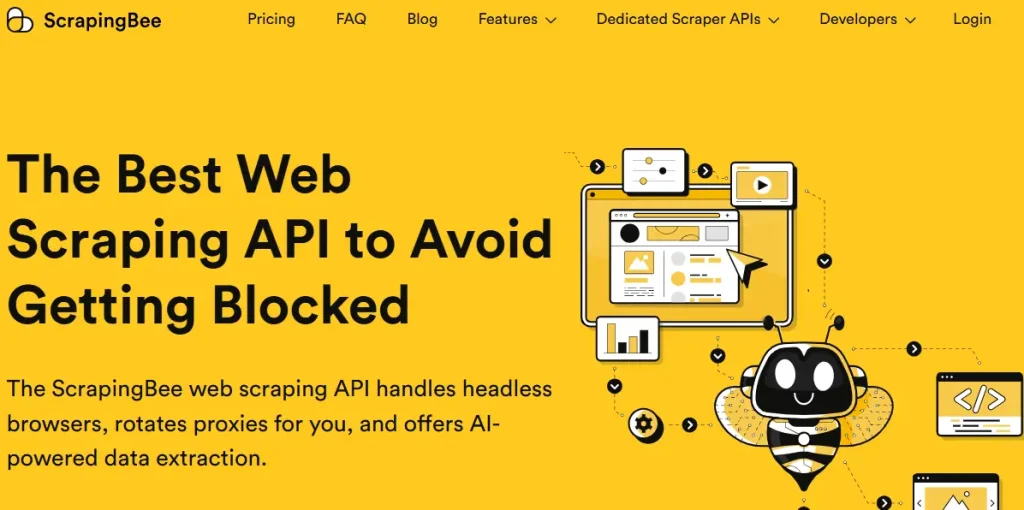
One of its strongest advantages is its ability to handle JavaScript heavy websites. Many modern websites load content dynamically, which often breaks traditional scrapers. ScrapingBee solves this by using headless browsers and rendering engines, ensuring that even complex pages are fully processed before data is extracted.
For developers and automation workflows, ScrapingBee offers a reliable and time saving solution. With simple API integration, it becomes easy to connect scraping tasks to applications, scripts, or data pipelines. This makes it a practical choice for projects where stability, speed, and scalability are important.
Key Features
Pros
- Saves time with built in infrastructure
- Works well with JavaScript websites
- Simple API for easy integration
Cons
- Limited requests in free plan
- Requires basic API knowledge
2. Sequentum – Enterprise Level Large Scale Data Extraction
Sequentum is built for large scale data extraction where accuracy and consistency are critical. It provides a structured and professional approach to scraping, making it suitable for organizations that depend on clean and reliable datasets. The platform focuses on delivering high quality data without requiring constant manual adjustments.
A key highlight of Sequentum is its visual workflow system, which allows users to design scraping processes without deep coding knowledge. This reduces dependency on developers while still maintaining control over complex data extraction tasks. It is especially useful for teams working on market intelligence, research, and competitive analysis.
When dealing with massive datasets, performance becomes essential, and Sequentum handles this efficiently. It can process large volumes of data while maintaining structure and accuracy. This makes it a strong choice for enterprise level projects where long term data consistency matters.
Key Features
Pros
- Handles large scale data extraction efficiently
- Visual workflow reduces coding dependency
- Strong automation for repetitive tasks
Cons
- Not suitable for beginners
- Limited access in free version
3. Mozenda – Scraping with Built in Data Management
Mozenda combines data extraction with built in data management, making it more than just a scraping tool. It allows users not only to collect data but also to organize and maintain it within the same platform. This reduces the need for additional tools and simplifies the overall workflow.
The platform is designed to be user friendly, making it accessible even for non technical users. With its clean interface and guided setup, users can create scraping workflows without facing unnecessary complexity. This makes it a practical option for businesses that want efficient data collection without relying heavily on developers.
Another advantage of Mozenda is its automation capability. Users can schedule scraping tasks to run at regular intervals, ensuring that their data remains up to date. This is especially useful for businesses that rely on continuously changing data for reporting and analysis.
Key Features
Pros
- Combines scraping with data management
- Easy interface for non technical users
- Supports automated scheduled scraping tasks
Cons
- Limited features in free plan
- Less flexible for custom scraping needs
4. Apify – Scalable Cloud Scraping & Automation Platform
Apify is a flexible and scalable platform that supports both web scraping and automation. It offers a wide range of ready made tools, known as Actors, which allow users to start extracting data quickly without building everything from scratch. This makes it suitable for both beginners and advanced users.
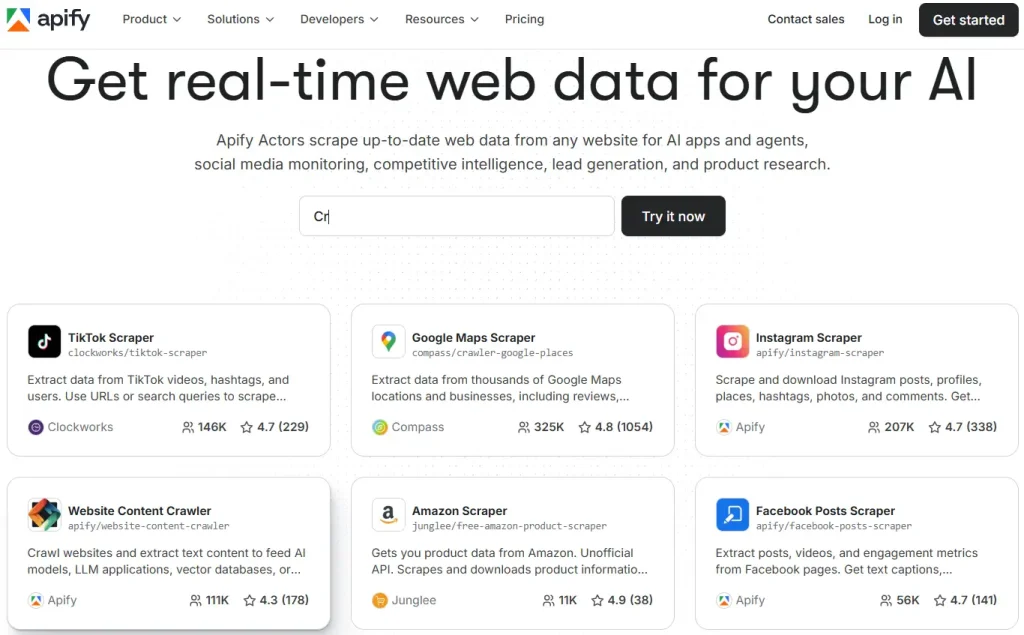
The platform operates on a cloud based system, which means users do not need to rely on their local machines for processing. This improves performance and allows scraping tasks to run continuously without interruptions. It also supports API integration, making it easy to connect with other applications and workflows.
As data needs grow, Apify scales easily without requiring major changes. It can handle small tasks as well as large scale projects, making it a long term solution for businesses and developers. Its combination of flexibility and automation makes it one of the most practical tools in this space.
Key Features
Pros
- Highly scalable for all project sizes
- Ready made tools speed up scraping
- Strong API and automation support
Cons
- Slight learning curve for beginners
- Advanced features require paid plans
5. Import.io – Converts Data Into Structured Insights
Import.io focuses on transforming unstructured web data into clean and structured datasets. It provides a visual interface where users can select and define the data they want to extract without writing code. This makes it especially useful for business users who need quick and accurate results.
The platform also includes data transformation tools, which help clean and organize raw data automatically. This reduces the time spent on manual data processing and ensures that the output is ready for analysis. It is particularly useful for reporting, research, and business intelligence tasks.
With its integration capabilities, Import.io allows extracted data to be directly connected to analytics tools and systems. This creates a smooth workflow from data collection to decision making. For organizations that rely on accurate data insights, it offers a reliable and efficient solution.
Key Features
Pros
- Converts data into structured formats
- Easy visual interface for extraction
- Strong integration with analytics tools
Cons
- Limited free plan capabilities
- Not ideal for custom scraping needs
6. WebScraper -Simple Chrome Extension for Beginners
Web Scraper is a browser based tool available as a Chrome extension, designed for simple and quick data extraction tasks. It works directly within the browser, which eliminates the need for installing complex software or managing external environments. This makes it highly accessible for beginners.
The tool uses a sitemap based approach, where users define how the scraper should navigate through a website. This structured method helps in controlling the extraction process and ensures that the required data is collected efficiently. It is particularly useful for small to medium sized projects.
Because of its lightweight nature, Web Scraper runs smoothly without consuming heavy system resources. It is ideal for users who want a straightforward solution without advanced configurations. For quick tasks and learning purposes, it serves as an excellent starting point.
Key Features
Pros
- Beginner friendly with simple setup process
- Works directly inside Chrome browser
- Lightweight and completely free tool
Cons
- Not suitable for large scale projects
- Limited support for complex websites
7. ProWebScraper – No Code Automated Cloud Scraping Tool
ProWebScraper is a cloud based scraping solution that focuses on simplicity and automation. Once a scraping task is configured, the platform can run it automatically at scheduled intervals. This allows users to collect updated data without repeating manual work.
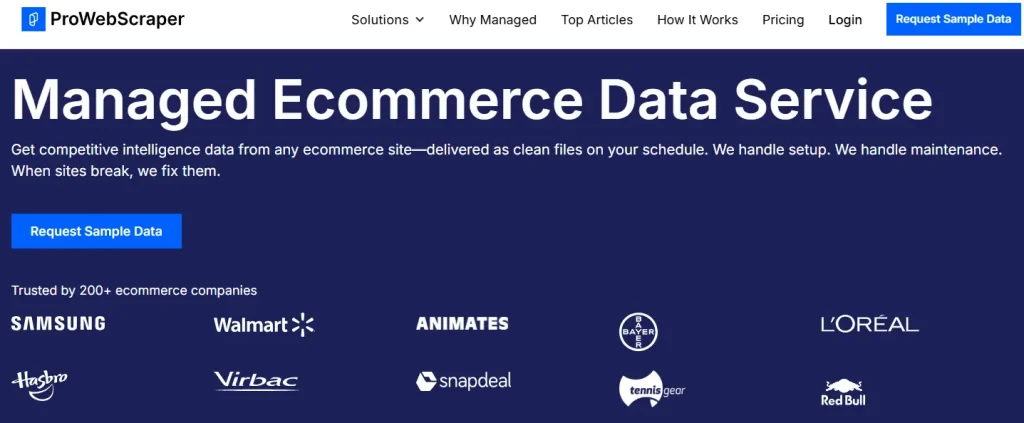
Its no code setup makes it accessible to users with no technical background. The interface is designed to guide users through the process, making it easy to create and manage scraping tasks. This is especially useful for businesses that want a hands off approach to data collection.
By operating in the cloud, ProWebScraper reduces the load on local systems and ensures consistent performance. It is well suited for projects where regular data updates are required. For users looking for automation with minimal effort, it provides a practical solution.
Key Features
Pros
- No coding required for setup
- Automated scheduling for regular scraping
- Cloud based system improves performance
Cons
- Limited customization for advanced users
- Free plan has usage restrictions
8. Scrapy – Open Source Framework for Developers
Scrapy is a powerful open source framework built for developers who want full control over their scraping projects. It allows users to create custom spiders that can crawl websites and extract data efficiently. This makes it one of the most flexible tools available.
The framework is designed for speed and scalability, allowing it to handle large scale data extraction tasks without performance issues. It also supports multiple extensions, which can be used to customize functionality based on specific project needs.
However, Scrapy requires programming knowledge, which makes it more suitable for developers rather than beginners. For complex projects that demand customization and control, it remains one of the most reliable and widely used solutions.
Key Features
Pros
- Fully customizable scraping framework
- High speed performance for large projects
- Open source with strong community support
Cons
- Requires programming knowledge to use
- Complex setup for beginners initially
9. Octoparse – No code Scraping with Automation Features
Octoparse is a no code scraping tool that uses a visual interface to simplify the data extraction process. Users can select elements directly from a webpage and build workflows without writing any code. This makes it accessible for beginners and non technical users.
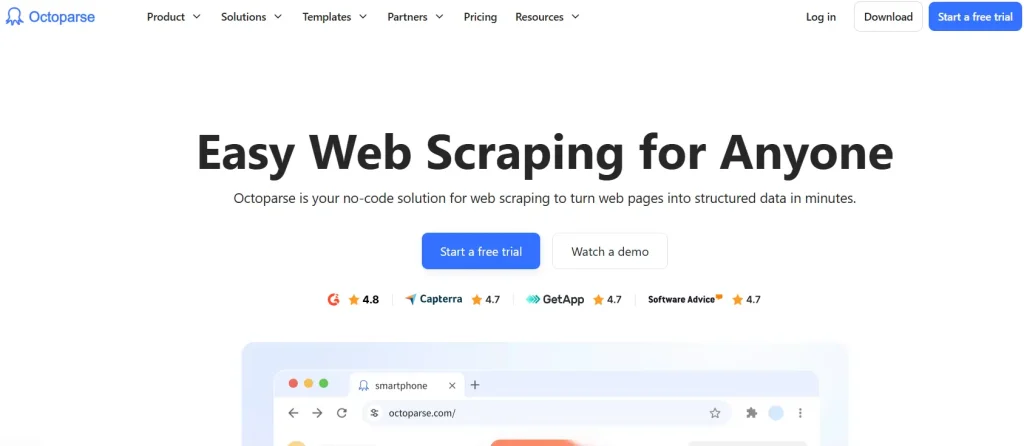
The tool supports dynamic websites and includes features like cloud scraping and task scheduling. This allows users to automate their scraping tasks and collect data consistently without manual intervention. It is a balanced option for both simple and moderately complex projects.
Octoparse also includes features like CAPTCHA handling, which improves success rates when dealing with protected websites. Its combination of ease of use and automation makes it a strong choice for users who want efficient results without technical complexity.
Key Features
Pros
- No code interface for easy scraping
- Supports dynamic and modern websites
- Includes scheduling and automation features
Cons
- Free version has limitations
- Performance drops on large tasks
10. ParseHub – Handles Complex Dynamic Web Scraping
ParseHub is designed to handle complex and interactive websites that rely on JavaScript and AJAX. It provides a visual workflow system that allows users to define how data should be extracted from different elements on a webpage. This makes it suitable for advanced scraping tasks.
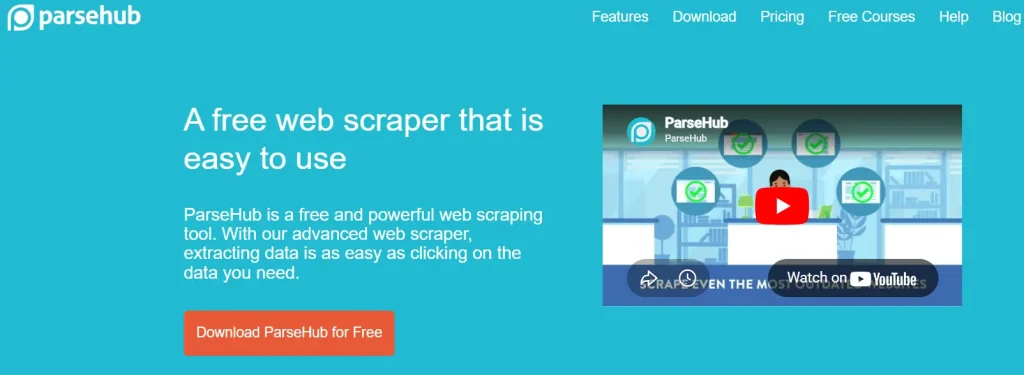
The tool can navigate through multiple pages and interact with elements like buttons, forms, and dropdowns. This allows it to extract data from websites that are difficult to scrape using basic tools. It is especially useful for modern websites with dynamic content.
Although it has a learning curve, ParseHub delivers highly accurate results once properly configured. For users dealing with complex data extraction requirements, it offers a flexible and reliable solution that goes beyond basic scraping capabilities.
Key Features
Pros
- Handles complex and dynamic websites
- No coding required for setup
- Supports interactive and multi page scraping
Cons
- Slight learning curve for beginners
- Free plan limits advanced features
How to Choose the Best Free Data Scraping Tool in 2026?
Choosing the right data scraping tool is not about picking the most popular option. It depends on your use case, the type of websites you want to scrape, and how you plan to use the data. Following a step by step approach helps you avoid confusion and choose a tool that actually fits your workflow.
Step 1: Define Your Data Goal Clearly
Start by understanding exactly what kind of data you want to extract. Are you collecting product prices, business leads, research data, or competitor insights? The purpose matters because different tools are built for different use cases. For example, a simple tool may work for basic data collection, while advanced tools are required for automation or large datasets.
Step 2: Choose Based on Your Skill Level
Your technical experience plays a major role in selecting the right tool. If you are new, no code tools like visual scrapers will help you get started quickly without learning programming. However, if you are a developer, tools that offer APIs, scripting, and customization will give you more control and flexibility over the scraping process.
Step 3: Understand the Type of Websites You Will Scrape
Not all websites behave the same. Some websites are static and easy to scrape, while others use JavaScript, infinite scrolling, or dynamic loading. These complex websites require tools that support browser rendering or headless scraping. Choosing the wrong tool for the website type can lead to incomplete or failed data extraction.
Step 4: Check Automation and Scheduling Capabilities
If you need data regularly, automation becomes essential. Tools that allow scheduling can automatically collect data at fixed intervals without manual effort. This is especially useful for use cases like price tracking, stock monitoring, and competitor analysis, where updated data is important for making decisions.
Step 5: Evaluate Proxy Support and Blocking Protection
Many websites try to block scraping activities. A good tool should include features like proxy rotation, IP management, and CAPTCHA handling. These features help you avoid detection and ensure that your scraping process runs smoothly without interruptions or data loss.
Step 6: Review Data Output and Export Options
Collecting data is only useful if you can easily use it. Make sure the tool supports exporting data into formats like CSV, Excel, or JSON. This allows you to analyze the data, import it into other tools, or integrate it into your workflow without additional conversion steps.
Step 7: Consider Scalability and Future Needs
Your data needs may grow over time. A tool that works for small tasks today should also be capable of handling larger datasets in the future. Choosing a scalable tool helps you avoid switching platforms later, saving both time and effort as your projects expand.
Step 8: Compare Free Plan Limitations
Since you are choosing a free tool, it is important to understand its limitations. Some tools restrict the number of requests, features, or automation capabilities. Always check what is included in the free plan and whether it is enough for your current needs.
Step 9: Test Ease of Use and Setup Time
A good scraping tool should not feel complicated from the beginning. If the setup process is too confusing, it will slow down your workflow. Tools with simple dashboards and guided setup help you start faster and reduce the learning curve.
Step 10: Match Tool with Your Workflow
Finally, choose a tool that fits naturally into your workflow. Whether you are using spreadsheets, analytics tools, or automation platforms, the scraping tool should integrate smoothly without creating extra steps or complexity.
Read Also: Best Dedicated server in India
FAQs
What is the Best Free Data Scraping Tool for Beginners?
If you are just starting, tools like Web Scraper and Octoparse are good options. They are easy to use, require no coding, and help you collect data quickly without confusion.
Is Data Scraping Legal Or Not?
Data scraping is legal when you collect publicly available data and follow website terms. However, scraping private or restricted data without permission can lead to issues, so always check rules before starting.
Which Data Scraping Tool is Best for Developers?
Developers usually prefer tools like Scrapy or ScrapingBee because they offer full control, API access, and flexibility for building custom scraping workflows and automation systems.
Can Free Data Scraping Tools Handle Large Projects?
Free tools can handle small to medium tasks, but large scale scraping often requires paid plans or advanced tools with better performance, automation, and scalability features.
Conclusion
So now the question is, which data scraping tool should you actually choose? The answer depends on what you need right now. If you are just starting, a simple no code tool will help you move faster without confusion. But if you want more control, automation, or large scale data extraction, then advanced tools will give you better flexibility and performance.
The important thing is not to pick the most popular tool, but the one that fits your workflow and solves your problem. You’ve already seen what each tool offers, where it works best, and where it has limitations. Now it’s your turn to decide what matters more to you, ease of use, automation, or scalability. Once you choose the right tool, data collection becomes faster, cleaner, and much more efficient.



Leave a Comment