A Los Angeles dedicated server can be a practical choice when your website, application, or online service needs more resources than shared or smaller hosting environments can provide.
The location also matters. Hosting closer to your target audience can reduce network distance, while dedicated hardware gives you resources reserved for your own workloads.
This guide looks at hardware, storage, bandwidth, network connectivity, management options, security, and the monthly cost of each configuration, helping you compare the details that matter before ordering.
Los Angeles Dedicated Servers at a Glance
The five services below take different approaches to dedicated hosting. Some focus on flexible configurations, while others put greater emphasis on management, network capacity, hardware choice, or lower entry pricing.
| Provider | Starting Price | Best For | Key Highlight |
| YouStable | $77.99/mo | Flexible dedicated workloads | Multiple Los Angeles configurations |
| Clouvider | £99/mo | Network focused workloads | High speed connectivity options |
| UltaHost | $128.50/mo | Managed server requirements | Dedicated resources with management options |
| InterServer | $109/mo* | Custom server requirements | Stocked servers and flexible builds |
| ServerWala | $45/mo | Lower cost dedicated deployments | Affordable Los Angeles entry option |
A lower starting price does not automatically mean better value. The hardware, storage, bandwidth, network speed, and management level included with a particular configuration can make a substantial difference.
What I Checked Before Comparing These Servers
I compared the Los Angeles offerings using practical factors that affect how a dedicated server performs, how much control you receive, and what the monthly price actually includes.
| Testing Factor | What I Checked | Why It Matters | What I Compared |
| Hardware and Performance | CPU, cores, RAM, storage | Determines available computing capacity | Processor options, memory, SSD and NVMe storage |
| Network Resources | Port speed and bandwidth | Affects traffic handling and connectivity | Included traffic, 1Gbps and higher speed options |
| Los Angeles Availability | Deployment location | Helps match infrastructure with audience location | Whether Los Angeles deployment is specifically offered |
| Security and Reliability | DDoS protection and related features | Helps protect hosted services | Included protection and reliability commitments |
| Management and Access | Root access, IPMI/KVM and managed options | Determines control and administrative support | Self-managed and managed service choices |
| Price and Value | Starting cost and included resources | Shows what you receive for the monthly fee | Hardware, bandwidth, storage and additional features |
This comparison focuses on the available configurations and stated service features rather than assuming that one server type or price range will suit every project.
Top 5 Los Angeles Dedicated Server Providers
Each provider has a different strength, so the sections below focus on the actual configurations, available resources, network options, and the type of workload each service may suit.
1. YouStable – Affordable Dedicated Servers With Flexible Configurations
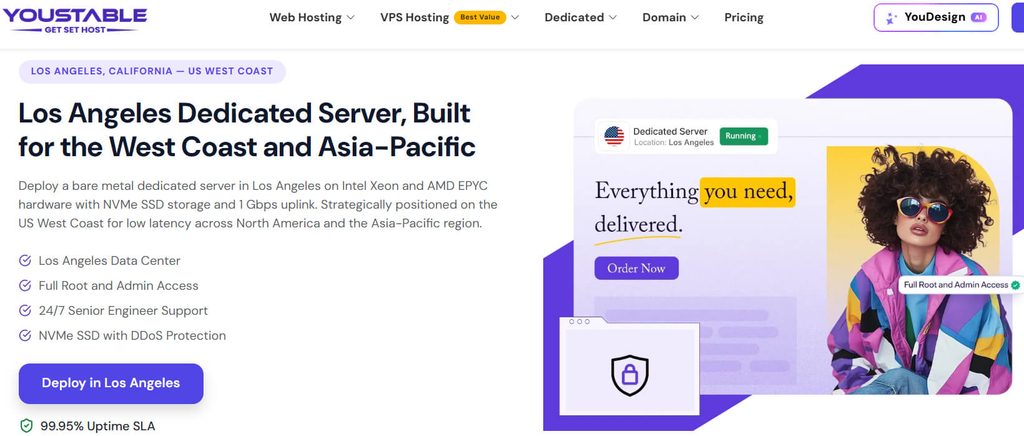
YouStable’s Los Angeles dedicated servers start at $77.99 monthly, with five listed configurations covering different resource levels, from Intel Xeon servers with SSD storage to higher capacity options using NVMe storage.
The listed range includes 32GB RAM, 10TB bandwidth, full root and admin access, and DDoS protection. Higher configurations also list 1Gbps connectivity, while custom server options are available for different requirements.
Overall, the range is useful when you want dedicated resources without committing immediately to the highest configuration. The available plans provide several hardware and storage choices for different workload sizes.
Server Resources and Included Features
- Los Angeles dedicated server deployment
- Five listed server configurations
- Intel Xeon based hardware
- 32GB RAM on listed configurations
- SSD and NVMe storage options
- 10TB bandwidth on listed plans
- 1Gbps connectivity on selected configurations
- Full root and admin access
- DDoS protection
- 24/7 technical support
- Custom configuration options
- 99.95% uptime SLA
Available Los Angeles Server Configurations
| Plan | Price | Server Resources | Best For |
| E3-1230v3 – 3.0GHz | $77.99/mo | 4 CPU, 32GB RAM, 480GB SSD, 10TB bandwidth | Smaller dedicated workloads |
| E3-1230v5/v6 – 3.2GHz | $103.99/mo | 4 CPU, 32GB RAM, 480GB SSD, 10TB bandwidth | Growing websites and applications |
| E-2136 – 3.3GHz | $117.99/mo | 6 CPU, 32GB DDR4 RAM, 480GB SSD, 10TB bandwidth | Higher-performance workloads |
| E-2286G – 4.0GHz | $143.99/mo | 6 CPU, 32GB DDR4 RAM, 480GB NVMe SSD, 10TB at 1Gbps | Databases and demanding applications |
| E5-2667v4 – 3.2GHz | $169.99/mo | 8 CPU, 32GB DDR4 RAM, 960GB NVMe SSD, 10TB at 1Gbps | Resource-intensive workloads |
Where YouStable Fits Best
YouStable is worth considering for growing websites, web applications, databases, and business workloads that need dedicated resources and root level control without requiring a single fixed configuration.
The main advantage is the choice between several resource levels. You can compare the listed hardware against your current requirements and select a stronger configuration when additional capacity becomes necessary.
2. Clouvider – Built for Performance and Network Capacity
Clouvider takes a more infrastructure focused approach to dedicated hosting. Its Los Angeles offerings are aimed at users who want to examine the underlying hardware, storage, memory, and network specifications before selecting a server.
The available options include Intel Xeon E-series hardware, configurable memory, and NVMe storage. Network flexibility is another important part of the offering, with higher speed connectivity options available for selected configurations.
Overall, Clouvider is more relevant when network capacity and server specifications are important parts of the buying decision. It is less about simplified packages and more about matching infrastructure to technical requirements.
Hardware, Storage, and Network Options
- Los Angeles server location
- Intel Xeon E-series configurations
- NVMe storage options
- Configurable memory
- Different bandwidth arrangements
- 10Gbit/s network interface options
- Unmetered traffic on selected configurations
- DDoS protection options
- Infrastructure focused server configurations
Los Angeles Dedicated Server Options
| Plan | Price | Server Resources | Best For |
| E-2276G NVMe | From £99/mo | 6-core Xeon, configurable RAM, NVMe storage | High-performance websites |
| E-2286G NVMe | Higher configuration pricing | 6-core Xeon, configurable RAM, NVMe storage | Applications and databases |
| Custom Configuration | Varies | Hardware, memory, storage, and networking options | Specialized workloads |
When Clouvider Makes Sense
Clouvider is a reasonable option for applications, databases, media services, and other workloads where network capability matters alongside CPU, memory, and storage performance.
It is better suited to users who understand their technical requirements and want to compare infrastructure specifications rather than simply choosing the lowest priced dedicated server.
3. UltaHost – Dedicated Resources With Managed Options
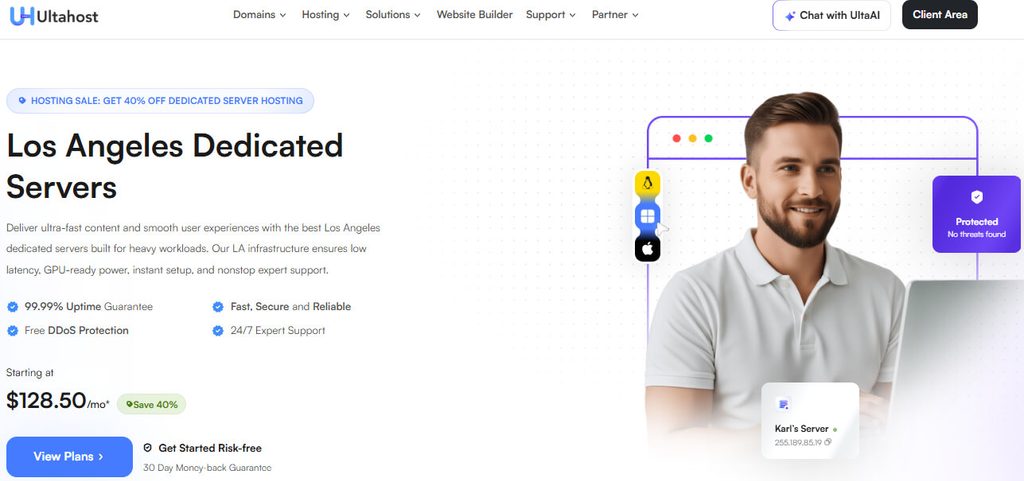
UltaHost approaches dedicated hosting with a stronger emphasis on users who want dedicated hardware alongside management and technical assistance. Its Los Angeles offering combines server resources with broader support and management options.
The available configurations vary by CPU, RAM, and NVMe storage, allowing different workload sizes to be accommodated. Higher resource plans are aimed at demanding websites, applications, databases, and business infrastructure.
Overall, UltaHost becomes more relevant when managing a server independently is not your preferred approach. The combination of dedicated resources, management options, security features, and support differentiates it here.
Support and Server Management
- Managed dedicated server options
- Dedicated CPU and RAM resources
- NVMe SSD storage
- DDoS protection
- Linux and Windows operating system options
- 24/7 technical support
- Dedicated IP resources
- Multiple server configurations
Dedicated Server Pricing and Options
| Plan | Price | Server Resources | Best For |
| Dedicated Starter | From $128.50/mo | Intel Xeon hardware, dedicated RAM, NVMe storage | Growing websites and applications |
| Dedicated Business | Varies | Higher CPU, RAM, and NVMe resources | Business workloads |
| Dedicated Professional | Varies | Increased processing and memory capacity | Databases and demanding applications |
| Custom Configuration | Quote based | Resources selected around requirements | Specialized infrastructure |
Who May Prefer UltaHost?
UltaHost is particularly useful for users who need dedicated server resources but also value having management and technical support options available for administration related requirements.
It may suit businesses, applications, and growing projects where the server workload requires dedicated capacity but completely self managed infrastructure is not the preferred setup.
4. InterServer – Flexible Hardware and Direct Server Control
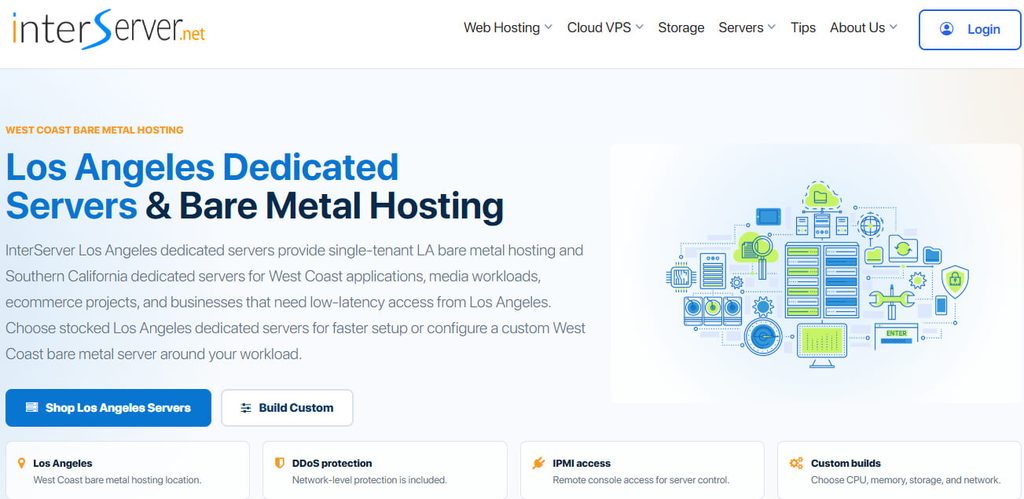
InterServer lists ready to order Los Angeles servers while also offering flexibility for users who need something beyond a small set of standardized configurations. That approach gives technical users more control over hardware selection.
The listed inventory includes Intel Xeon and AMD EPYC options, with different storage capacities and memory levels. Some configurations also include IPMI, iLO, or remote KVM access depending on the hardware platform.
Overall, InterServer is a stronger match for users who know the hardware or network resources they need. Ready to order inventory and custom configuration options provide different paths depending on the workload.
Control and Infrastructure Features
- Stocked Los Angeles server inventory
- Custom hardware configurations
- Intel Xeon and AMD EPYC options
- 1Gbps unmetered connectivity on listed servers
- Higher speed port options
- IPMI, iLO, or remote KVM availability
- Network level DDoS protection
- Remote reboot options
- Remote operating system reinstallation
- 24/7 uptime monitoring
Example Los Angeles Server Configurations
| Plan | Price | Server Resources | Best For |
| Xeon E3-1240v6 | $101/mo | 4 cores, 64GB RAM, 2 × 3.84TB SATA SSD, 1Gbps unmetered | Storage heavy workloads |
| Xeon E3-1240v6 | $109/mo | 4 cores, 64GB RAM, 2 × 4TB SSD, 1Gbps unmetered | Websites needing more storage |
| AMD EPYC 4344P | $112/mo | 8 cores, 64GB RAM, 2TB NVMe, 1Gbps unmetered | Performance focused applications |
| AMD EPYC 4344P | $116/mo | 8 cores, 64GB RAM, 2TB NVMe, 1Gbps unmetered, 5 VLAN IPs | Projects requiring additional IP capacity |
| AMD EPYC 9254 | $699/mo | 24 cores, 512GB RAM, 2TB NVMe, 1Gbps on a 10Gbps port | Demanding enterprise workloads |
Where InterServer Is Strongest
InterServer can work well for developers, businesses, and experienced users who need specific CPU, memory, storage, or network resources and prefer direct access to server management tools.
The ability to select from stocked servers or explore custom hardware gives it an advantage when a fixed, one size fits all package does not match the project.
5. ServerWala – A Lower Cost Los Angeles Starting Point
ServerWala has the lowest starting price in this comparison, making it relevant for users who need dedicated hardware but want to keep the initial monthly infrastructure cost under control.
Its Los Angeles server range includes different processor, RAM, storage, and bandwidth combinations. This gives users the ability to select resources according to the workload instead of purchasing identical capacity for every project.
Overall, ServerWala is most appealing when entry cost is an important factor. The $45 starting configuration provides a lower priced route into dedicated hosting for suitable workloads.
Resources and Server Access
- Los Angeles dedicated server deployment
- Multiple hardware configurations
- Intel based server options
- Dedicated CPU, memory, and storage
- Different storage capacities
- Bandwidth allocations based on configuration
- Root level server control
- Different billing terms
- Custom requirements available for selected projects
Los Angeles Server Plans
| Plan | Price | Server Resources | Best For |
| Intel Xeon E3-1230V3 | $45/mo | 4 cores / 8 threads, 16GB RAM, 250GB SSD, 20TB bandwidth | Budget focused websites and applications |
| Higher Configurations | Varies | Different CPU, RAM, storage, and bandwidth combinations | Growing workloads |
| Custom Requirements | Quote based | Resources selected around project requirements | Specialized projects |
When ServerWala Is Worth Considering
ServerWala can be useful for smaller dedicated workloads, budget conscious applications, and projects that need more control than a shared hosting environment provides.
Users with heavier requirements should compare the exact configuration against alternatives, particularly when processor generation, memory capacity, storage performance, and network resources become more important.
Side by Side Differences That Matter
Looking at the services together shows that the main differences are not limited to price. Hardware flexibility, management, storage performance, and network capacity can change which option fits a particular workload.
| Provider | Server Location | Hardware Focus | Bandwidth / Network | Management | Best For |
| YouStable | Los Angeles | Intel Xeon configurations | 10TB; 1Gbps on selected plans | Root/admin access | Flexible dedicated workloads |
| Clouvider | Los Angeles | Intel Xeon E-series | High speed options, including 10Gbit/s interfaces | Infrastructure focused | Network and performance heavy workloads |
| UltaHost | Los Angeles offering | Dedicated CPU, RAM, NVMe | Configuration dependent | Managed options available | Users wanting additional assistance |
| InterServer | Los Angeles | Intel Xeon and AMD EPYC | 1Gbps unmetered on listed servers | Self managed with IPMI/KVM options | Custom and technical deployments |
| ServerWala | Los Angeles | Multiple Intel configurations | Up to 20TB on the listed entry plan | Root level control | Lower cost dedicated deployments |
How to Choose a Dedicated Server in Los Angeles
The easiest way to narrow down the options is to start with the workload, then work through the hardware and operational requirements one by one.
Step 1: Identify What Will Run on the Server
Start with the actual services or applications you plan to host.
- High traffic websites
- Web applications
- Databases
- Game servers
- Media platforms
- Storage heavy projects
The workload determines how much CPU, RAM, storage, and network capacity you are likely to need.
Step 2: Compare the Hardware Behind Each Plan
A low price does not tell you whether a server has enough computing capacity.
Check:
- Processor model and generation
- CPU cores and threads
- Available RAM
- NVMe, SSD, or HDD storage
- Storage capacity
- Upgrade or custom configuration options
Step 3: Look Closely at Bandwidth and Port Speed
A server can have strong hardware and still be unsuitable if its network allocation does not match your traffic.
Compare:
- Port speed
- Monthly bandwidth allowance
- Unmetered traffic terms
- Higher speed connectivity options
- Additional bandwidth costs
Step 4: Decide How Much Management You Need
Self managed servers provide greater direct control but also require technical knowledge. Managed options may be more suitable when you need assistance with administration and server related tasks.
Step 5: Check Protection and Recovery Options
Before ordering, review the security and reliability features attached to the specific server.
Look for:
- DDoS protection
- Firewall options
- Server monitoring
- Backup availability
- Remote management access
- Uptime commitments
Step 6: Leave Room for Higher Requirements
A server that fits today may not remain suitable after traffic or application usage increases.
Check whether the provider offers:
- Stronger configurations
- Additional RAM or storage
- Custom hardware
- Network upgrades
- An alternative server migration path
Step 7: Compare the Actual Monthly Cost
The final comparison should include everything needed for the workload, not only the advertised starting price.
Consider:
- Server hardware
- Storage capacity
- Bandwidth
- Management services
- Security features
- Backup costs
- Additional IP or network charges
Which Los Angeles Dedicated Server Fits Your Requirements?
The table below matches each service with the area where it appears most useful, based on the configurations and features covered in this comparison.
| Provider | Choose It For | Best Suited For | What Stands Out |
| YouStable | Configuration flexibility | Growing websites and applications | Multiple Los Angeles server options |
| Clouvider | Network and infrastructure requirements | Performance heavy workloads | High speed connectivity choices |
| UltaHost | Managed dedicated hosting | Users needing technical assistance | Dedicated resources with management options |
| InterServer | Hardware choice and control | Developers and custom infrastructure | Stocked servers, custom builds, IPMI/KVM options |
| ServerWala | Lower starting cost | Smaller dedicated workloads | $45/month entry configuration |
If you need several ready made configurations with different resource levels, YouStable provides the broadest starting path among the options covered here. Clouvider is more relevant for network focused requirements.
UltaHost suits users who value management options, while InterServer offers more flexibility for technical users who want specific hardware. ServerWala is the option to examine first when keeping the entry cost lower is important.
FAQs
Which Is the Best Dedicated Server in Los Angeles?
There is no single best option for every project. The right server depends on your workload, required hardware, network needs, budget, and whether you need managed or self-managed infrastructure.
Why Choose a Los Angeles Server Location?
A Los Angeles location can be useful when your users or connected services are closer to the US West Coast. Reduced network distance may help improve connectivity for those users.
What Should I Check Before Buying a Dedicated Server?
Focus on the core requirements:
- CPU and available RAM
- Storage type and capacity
- Bandwidth and port speed
- Server management level
- Security and technical support
Are Dedicated Servers Suitable for High Traffic Websites?
Yes, provided the selected hardware and network capacity match the workload. Dedicated servers provide resources reserved for your environment rather than sharing CPU and memory with typical shared hosting users.
Do Dedicated Servers Include Full Root Access?
Many dedicated server providers offer root or administrative access, but the level of access depends on the provider, operating system, and whether the selected service is managed.
How Much Does a Dedicated Server in Los Angeles Cost?
The options compared here start at $45 per month, while higher-performance and enterprise configurations can cost several hundred dollars monthly, depending on hardware and network requirements.
Which Option Is Better for a Growing Business?
A provider with several hardware configurations or custom options can be useful when requirements change. The better choice depends on whether future growth involves CPU, RAM, storage, or network capacity.
Conclusion
There is no reason to pay for server capacity your project will never use. At the same time, choosing insufficient hardware can create problems when traffic, application usage, or storage requirements increase.
The services compared here approach Los Angeles dedicated hosting differently. Some offer a lower entry price, others provide greater hardware flexibility, while management and network capacity are stronger considerations elsewhere.
Check the exact CPU, RAM, storage, bandwidth, network speed, and management included with the server you are considering. When those details match your workload, choosing between the available options becomes far easier.